

Suggestions only
AI never posts a journal, approves anything, signs off a paper or chooses the opinion. Every answer can be edited and is never saved by itself.
Booknip AI works on top of Smart Audit's rule engines. The rules calculate, match and check; Booknip AI adds plain-English wording and explanations. It never posts, approves, signs or writes the audit opinion.
These are not settings someone can forget to switch on. They are how every AI call in Smart Audit works.
AI never posts a journal, approves anything, signs off a paper or chooses the opinion. Every answer can be edited and is never saved by itself.
Each answer says what produced it: Booknip AI, Your AI (your own key) or Rules when no model was used.
Off by default. Amounts and account names go to an AI only after your administrator switches consent on, with a note. Every change is audited.
An answer that contains a number the model was not given is thrown away. Reworded notes must keep every live figure and preparer prompt.
If AI is off, out of credits, without consent, or the model fails, you still get the rule-based answer. Work never stops.
Feature, person, engine, model, credits, outcome and reason are recorded for each AI action, with an audit entry.
Each starts with a rule-based result. Booknip AI adds the wording or explanation in the right-hand column.
| Feature | What the rules do | What Booknip AI adds | Uses figures |
|---|---|---|---|
| Working-paper wording | Draft from the facts on the paper: steps, results, tick marks | Clearer wording. The preparer's judgement stays a prompt to complete | |
| Audit indicators | Going-concern signs, misstatements against materiality, risks without a response, open notes | A plain explanation of each sign. Never an opinion | |
| Account mapping | Match local accounts to the group chart | Suggestions for the rest, with a reason. A reviewer approves them | |
| Intercompany | Match balances and find differences | Likely causes of each difference and what to check | |
| Journal narrative | Build the entry and its lines | A clear narrative for the journal | |
| Anomalies | Flag unusual balances and movements | Why a flag may matter and where to look | |
| Commentary | Compute movements against the prior period | Variance commentary in plain English | |
| Ask Smart Audit (copilot) | Answer questions about the figures from the data | A readable answer that cites its source | |
| Notes | Notes with live figure tokens | Reworded text that keeps every live figure and prompt | |
| Going concern | Indicators from the figures | A summary for the file. The judgement stays with the team | |
| Pack checks | Consistency checks on the FS pack | An explanation of each failed check | |
| Evidence filing | Match uploaded files to requests and areas | A suggested folder and link for each file | |
| Workflow review | Check an item before approval | Review points for the approver. The approver still decides | |
| IFRS assistant | Find the answer in the IFRS reference and your group policy | A clearer answer from that text only |
Every package includes monthly Booknip AI credits. Each feature costs a set number of credits, shown in AI management.
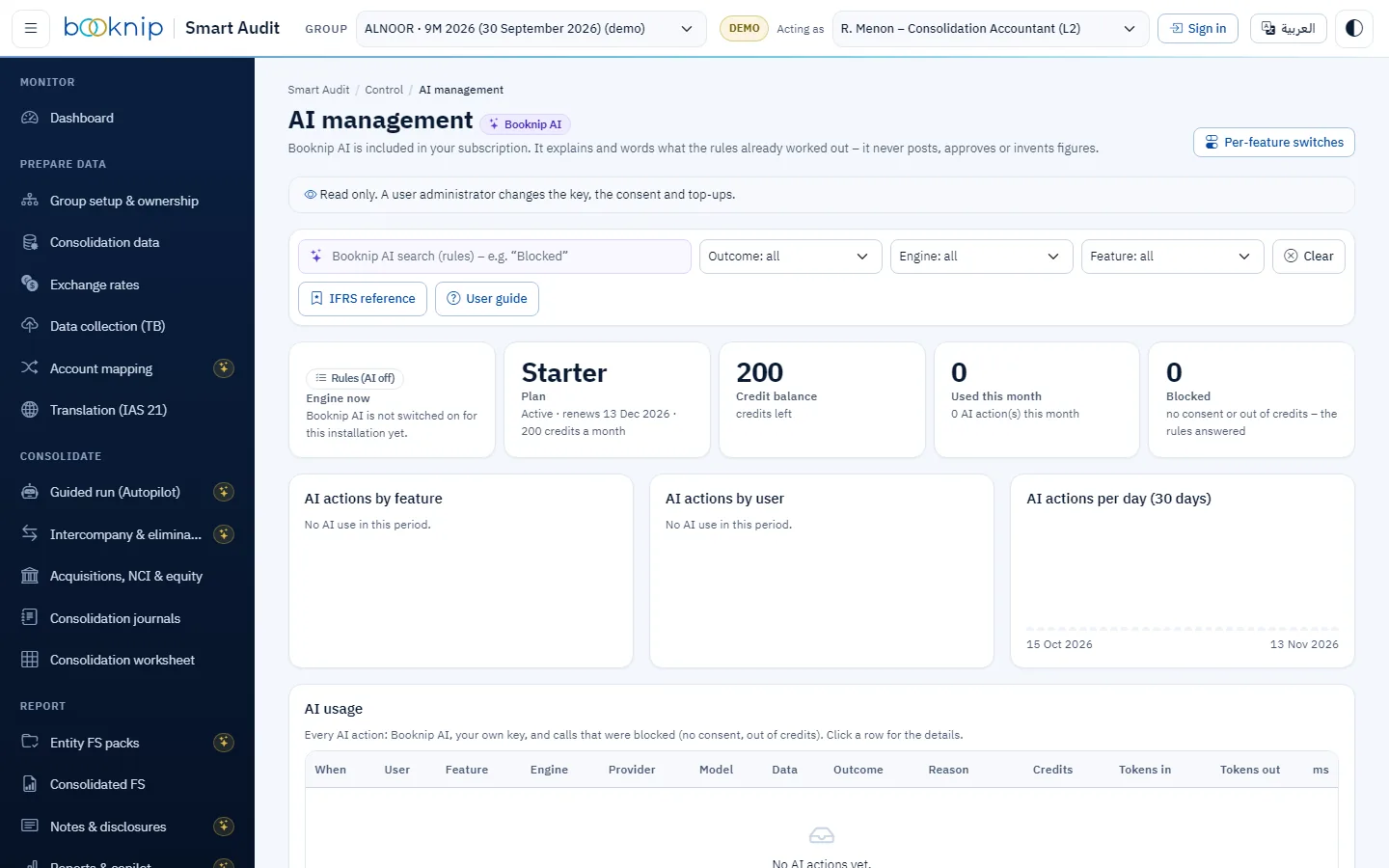
Booknip AI is included in the free trial, with credits to try every feature.